Using native WordPress capabilities
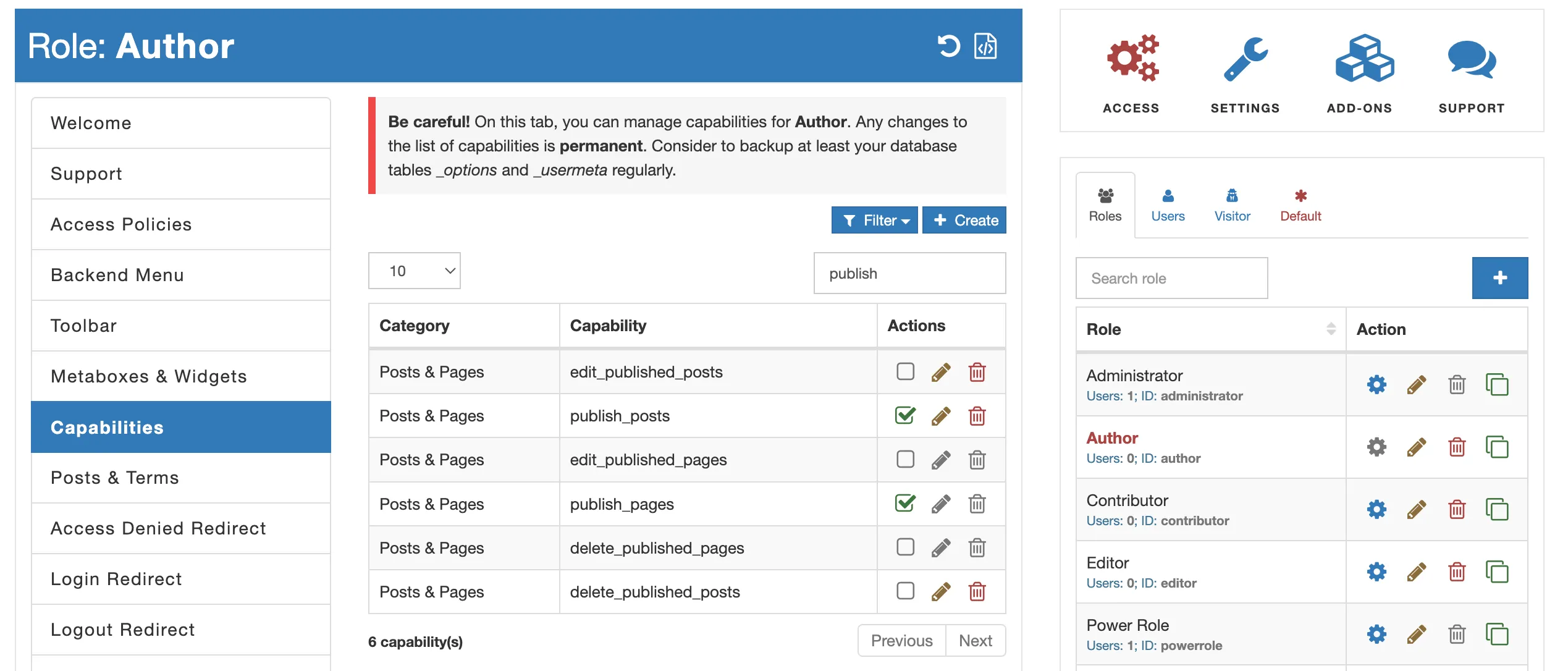
- Navigate to the AAM page and locate the role or individual user you want to customize permissions for using the “Roles & Users” widget on the left.
- Access the “Capabilities” tab and search for the capabilities responsible for publishing actions by typing “publish_”.
- To prevent publishing for posts, uncheck the
publish_postscapability. For pages, uncheckpublish_pages. For custom post types, look for a capability starting withpublish_.
More granular control with AAM (premium feature)
- Ensure you have the premium Complete Package installed and activated.
- Go to the AAM page and select the role or individual user you want to customize permissions for using the “Roles & Users” widget on the left.
- Head to the “Posts & Terms” tab and select the “Drill-Down” icon for the specific post type you want to control. Be cautious of matching slugs for custom post types.
- Search for the desired category, tag, or post and click the “Manage Access” blue gear icon.
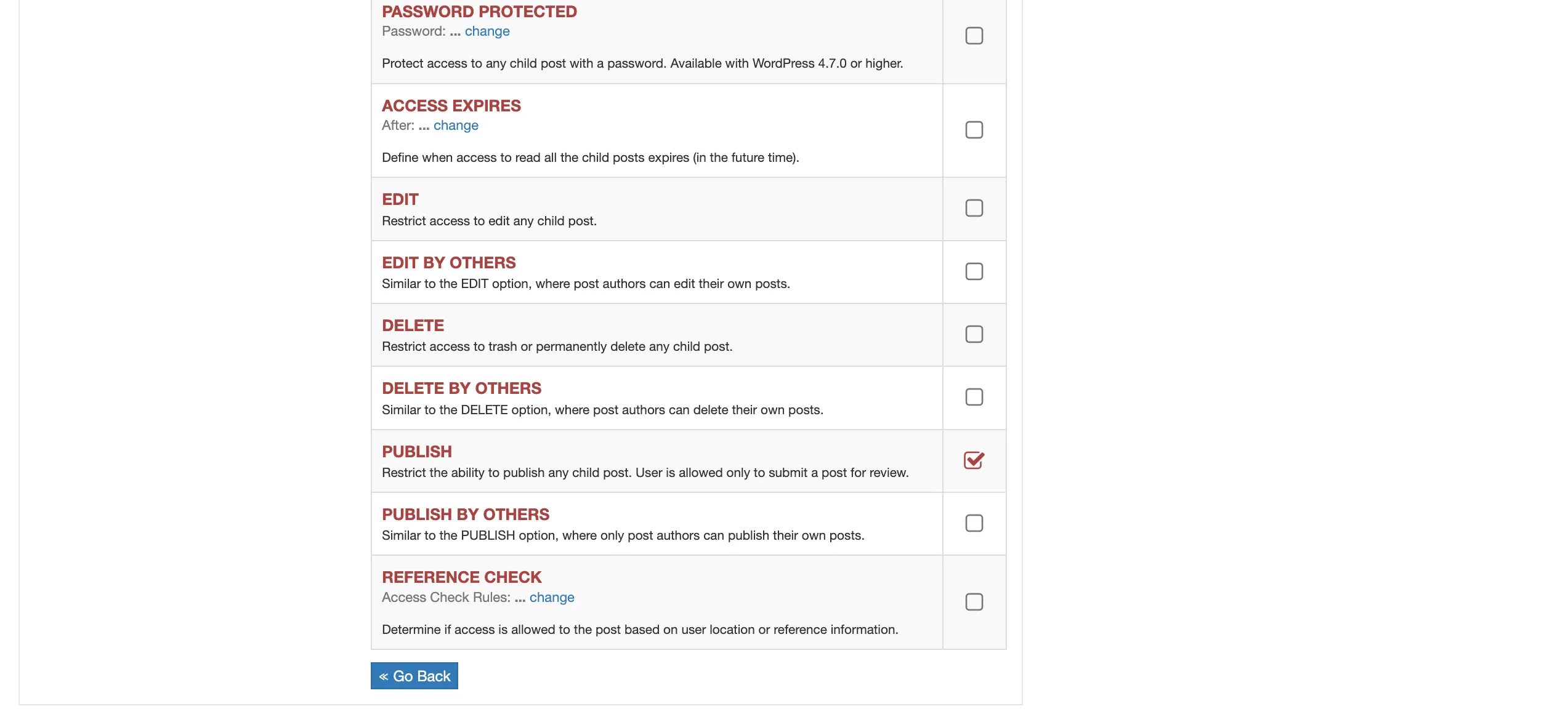
- On the displayed form, locate the “PUBLISH” option and select it to define access restrictions as needed.