01 / PEOPLEID
Manage roles and permissions
Review capabilities and tailor what roles, individual users and visitors can do.
Read about roles and capabilities AAM
AAMAdvanced Access Manager · WordPress plugin
Advanced Access Manager (AAM) lets you manage roles and permissions, protect content, control admin and API access, and review risky configurations from one place. It is the access governance layer for WordPress: a way to make every access decision intentional and reviewable.
Start free. Explore Premium for advanced controls, policies and audits.
What AAM does
Start with familiar permissions. Extend the same access strategy to content, the admin area, APIs and reusable policies.
Review capabilities and tailor what roles, individual users and visitors can do.
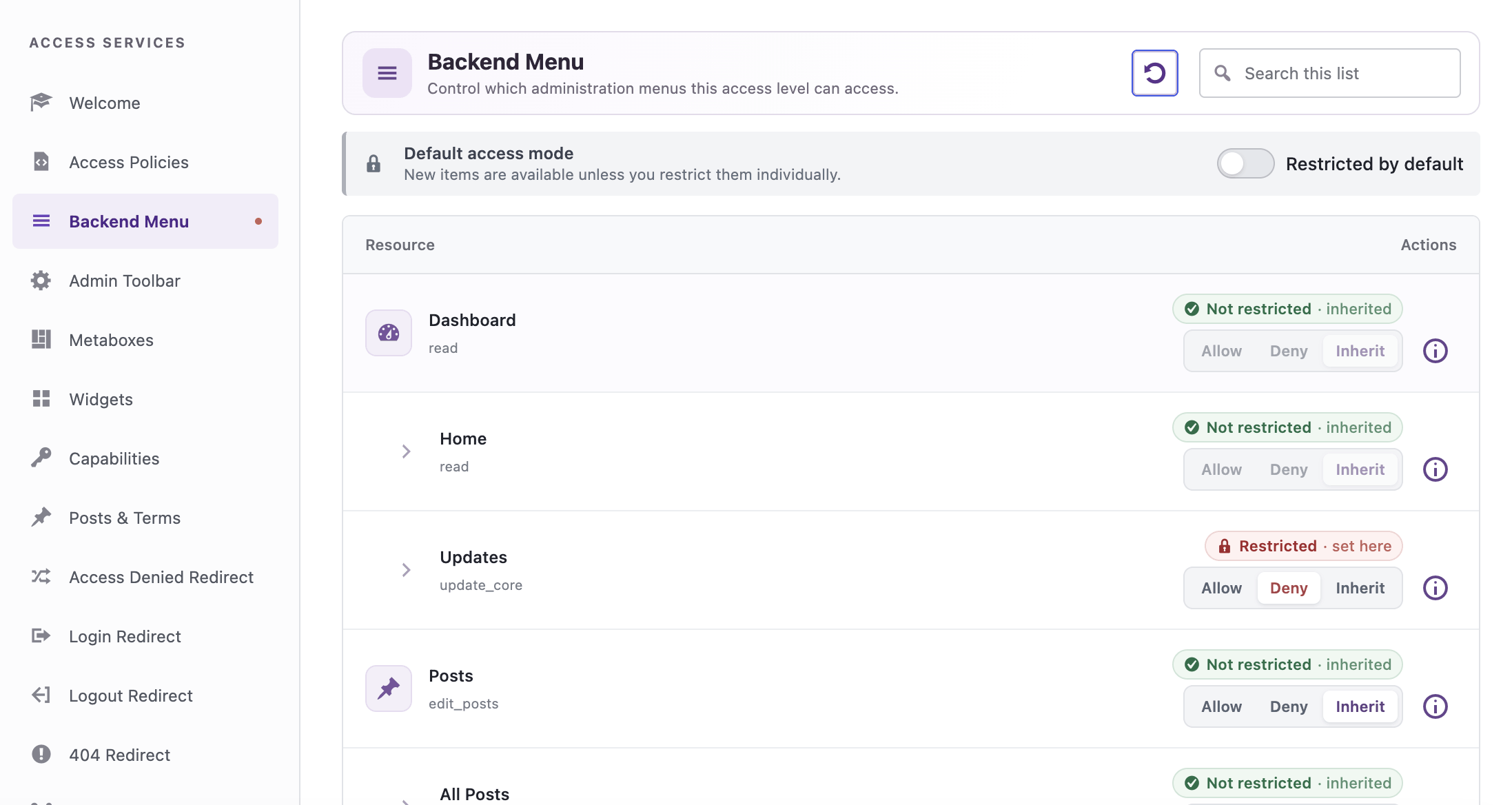
Read about roles and capabilitiesLimit access to backend menus, toolbar items and other administrative areas.
Read about backend accessSet access rules for posts, pages, custom content, categories and files.
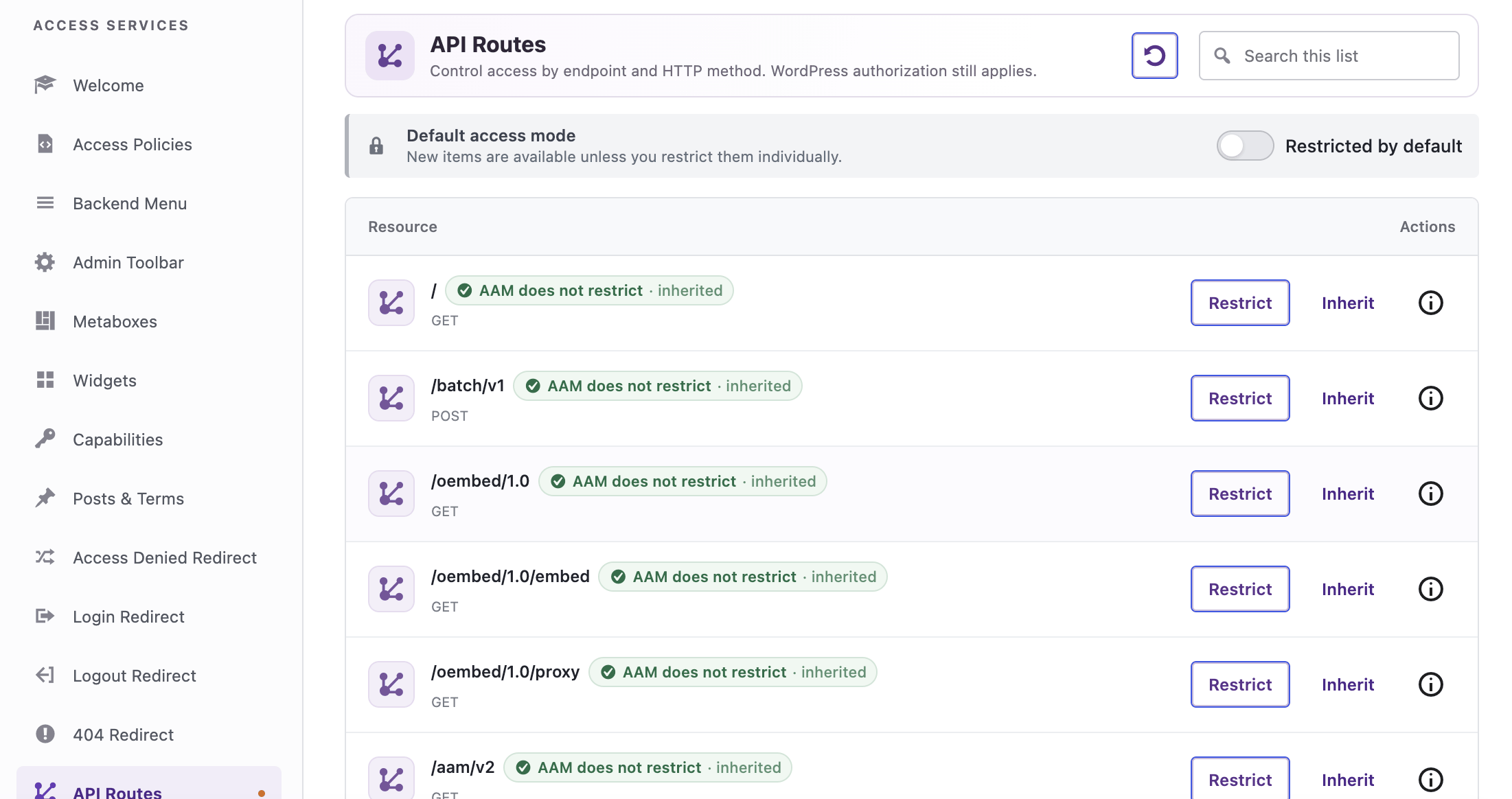
Read about content rulesApply access controls to REST API routes and direct URL requests.
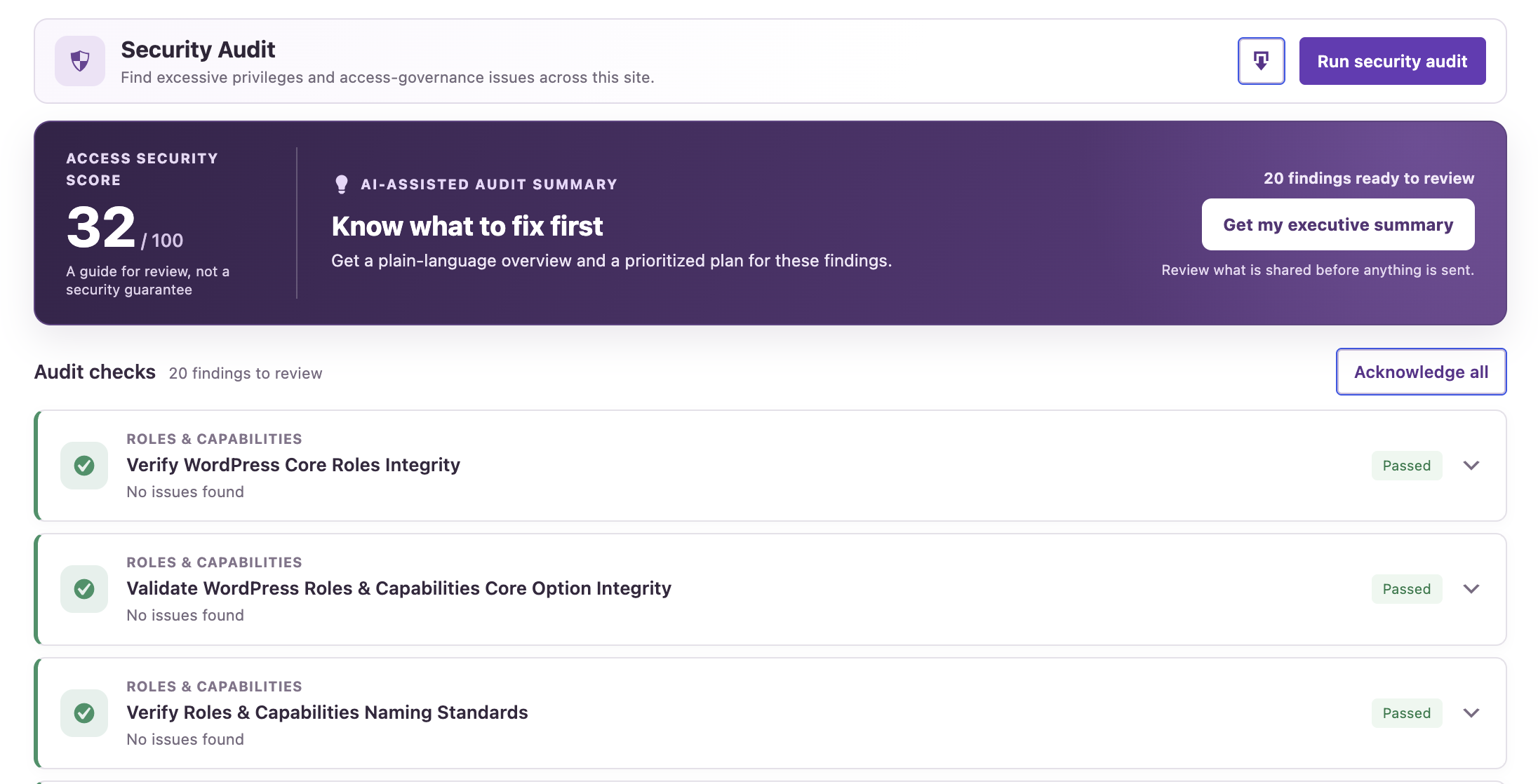
Read about API accessUse security audits to surface excessive privileges and access issues that need attention.
Read about security auditsWrite portable JSON policies for precise rules you can review and apply across sites.
Read about JSON policiesInside the plugin
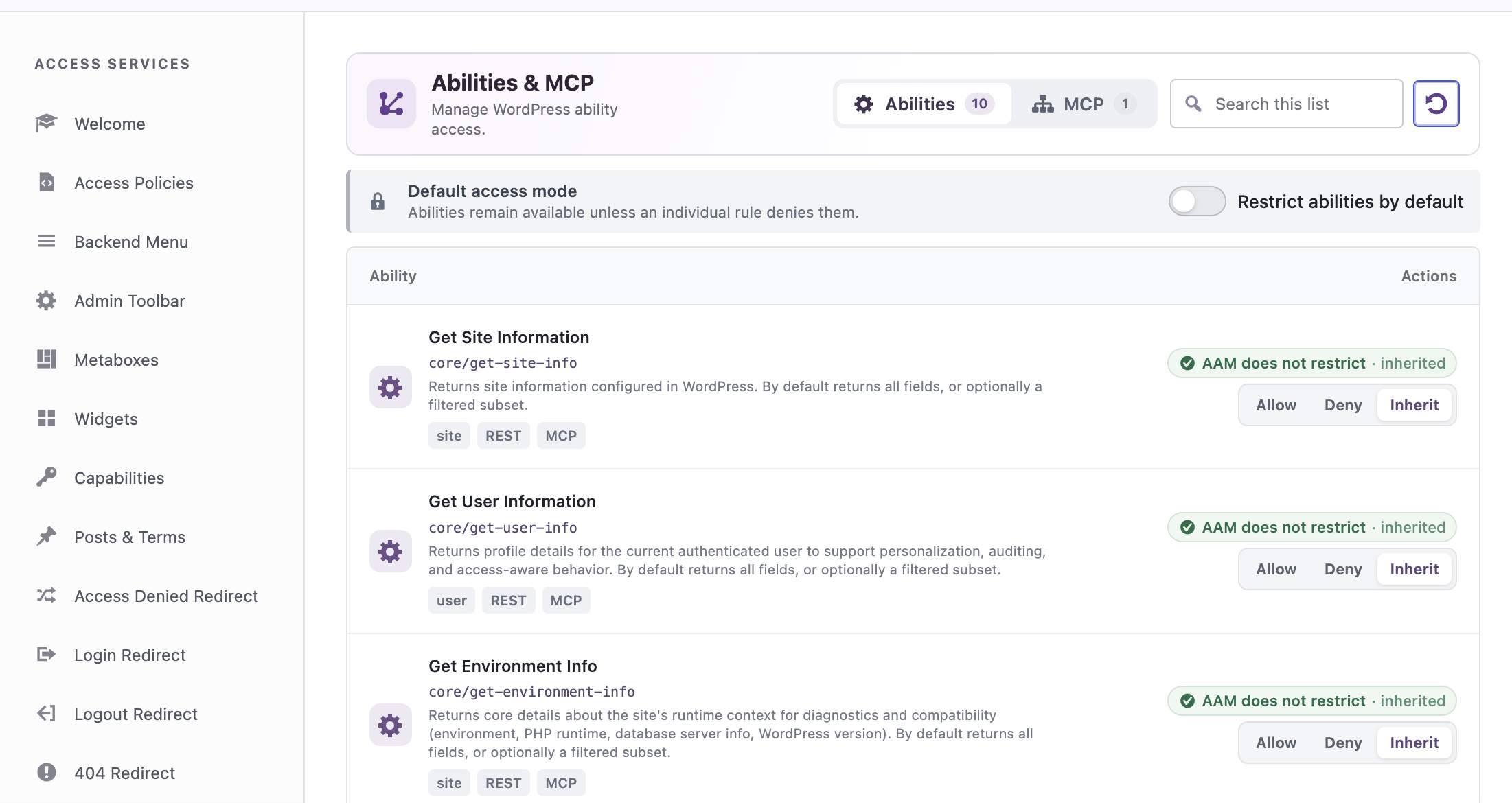
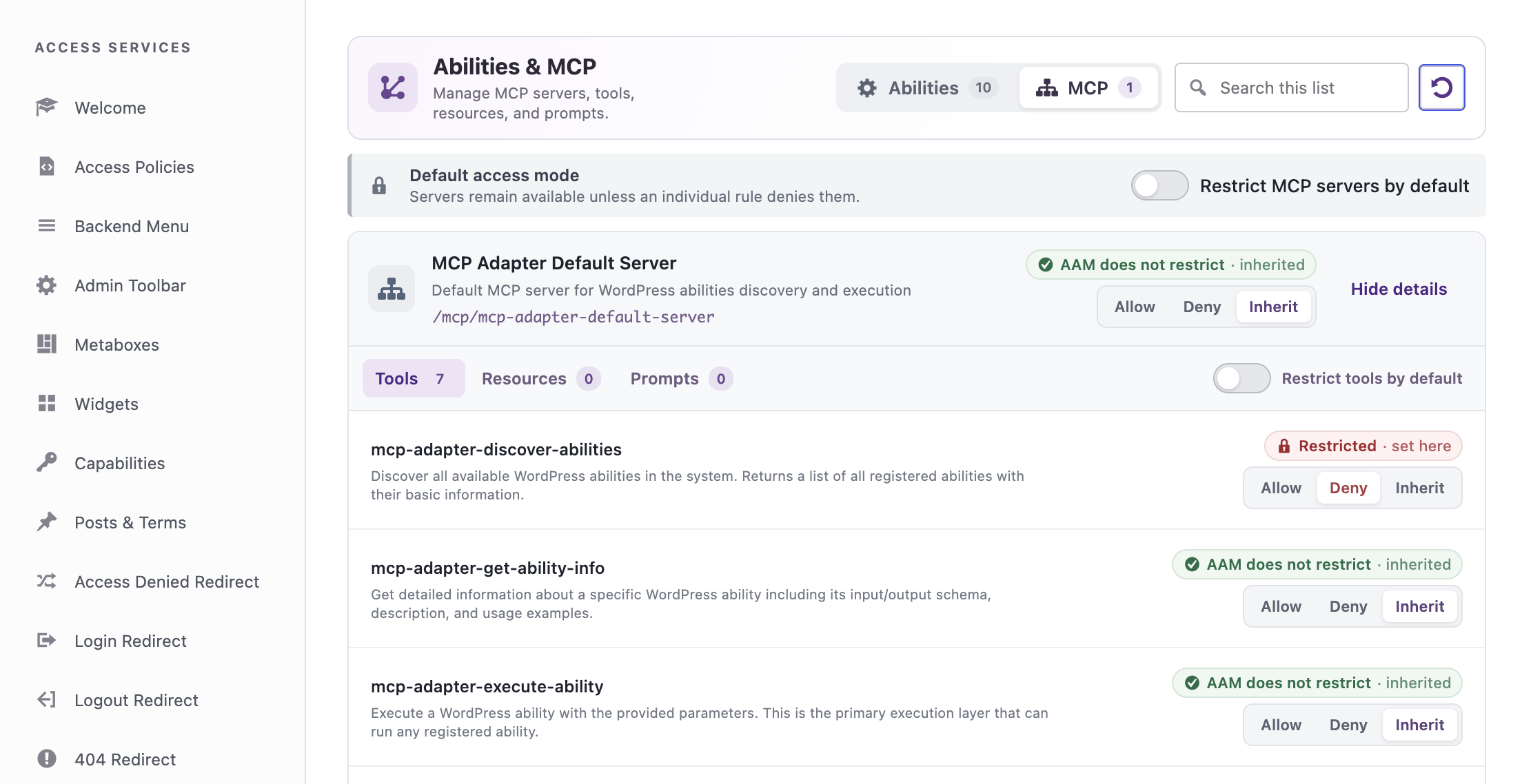
This is AAM inside WordPress: choose a role or user, inspect its access, and apply rules that fit the work. The same system connects everyday permission changes to a broader governance practice.
Watch the roles and capabilities walkthrough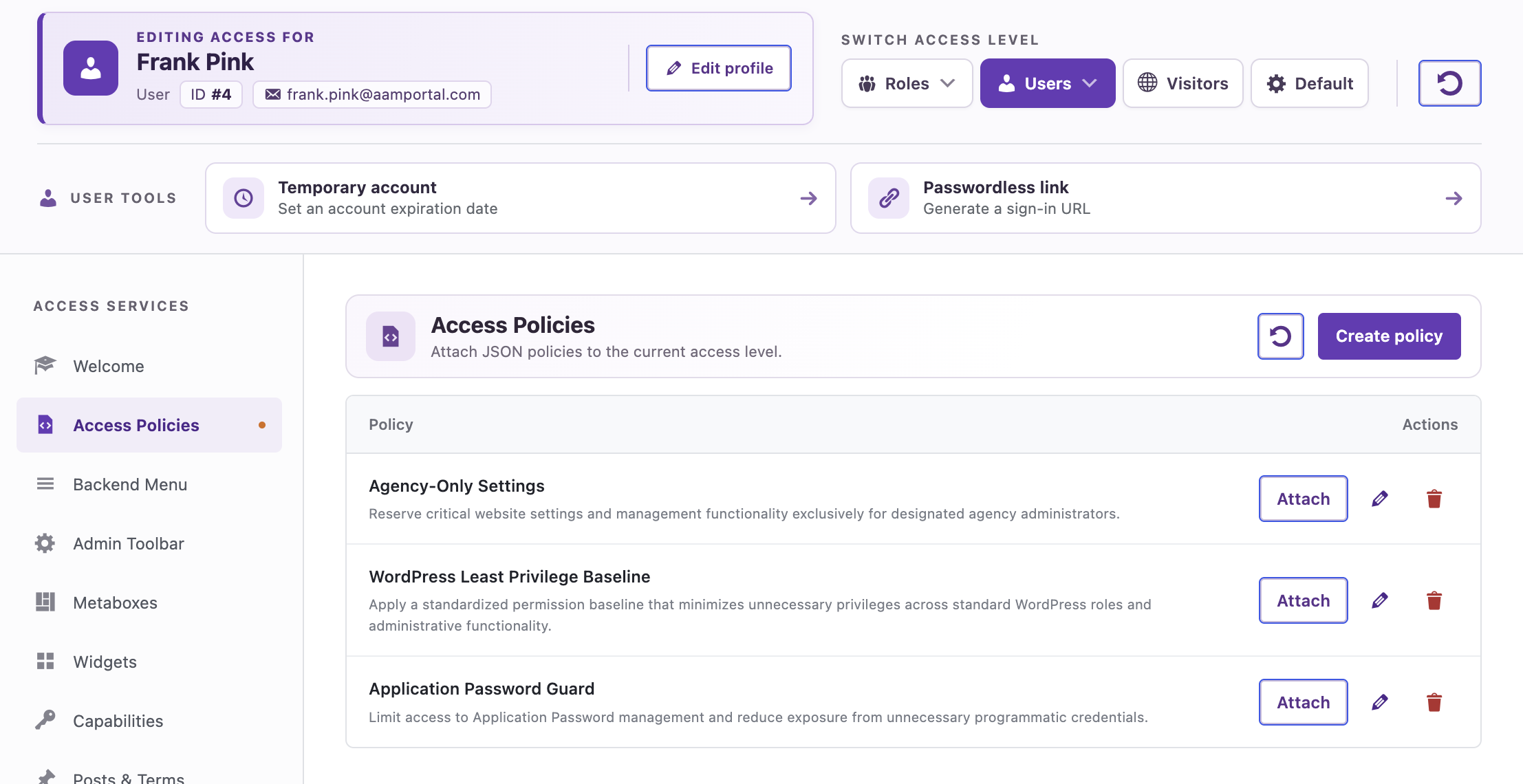
Real access decisions
Give them the permissions their work needs and keep sensitive administrative actions restricted.
Apply content rules that reflect your publishing workflow, even when a broad role is not enough.
Give its underlying identity limited permissions and govern the routes it can reach.
Built for your workflow
Pair AAM Premium with access expertise for your WordPress customers.
For hosting providers ↗02 / AGENCIESBuild repeatable access standards across a changing portfolio.
For agencies ↗03 / DEVELOPERSUse the AAM PHP Framework for deeper integrations.
For developers ↗04 / ENTERPRISEWork together on coverage, education, audits and strategy.
For enterprise ↗A new category for WordPress
WordPress access governance is the practice of knowing who has access, defining what they can do, and reviewing those decisions as a site changes. AAM gives that practice a home inside WordPress.
The security perimeter
Firewalls, malware scanning, login protection and patching help protect the site from external threats.
The access governance layer
AAM brings roles, users, content, admin functions and API access into one reviewable access strategy.
Beyond the dashboard
A role name alone does not explain what a person or integration can actually do. The access layer has to account for each path into the site.
01Human users, roles and capabilities.
02Routes, methods and authorization callbacks.
03Legacy remote access with real authority.
04Long-lived credentials tied to user permissions.
05Operational access outside the browser.
06Autonomous systems that can reason and act at machine speed.
New realityThe governance loop
Access governance gives your team a repeatable way to understand permissions, apply least privilege and revisit decisions as the site changes.
See every human and machine identity with a path into WordPress.
Evaluate effective permissions - not assumptions based on role names.
Apply least privilege with explicit, reviewable access policies on four distinct access levels.
Recheck access as users, plugins and integrations change how your website works.
The WordPress access governance layer
Advanced Access Manager connects familiar WordPress controls with policies and audits, so teams can understand, apply and revisit access decisions across the application.
Install AAMeffective accessvisible surfacesentry pointsmachine identityguardrailscontinuous proofJoin the revolution
Learn
Understand effective permissions, hidden identities, API authorization and the new risks created by AI agents.
Read the article →Govern
Use AAM to build precise access rules, reduce unnecessary authority and make every access decision explainable.
Read the article →Lead
Help clients move from reactive security to a repeatable access-governance standard across every WordPress property.
Read the article →WordPress Access Governance