

Metabox
Syntax
Metabox:<slug>Metabox:* - Premium FeatureMetabox:<slug_with_mask> - Premium Feature
Note!
The slug_with_mask is essentially partially defined metabox slug. For instance, you can target all metaboxes that end, start or contain specific slug (e.g. *_post_categories_meta_box targets all metaboxes that end with _post_categories_meta_box).
Definition
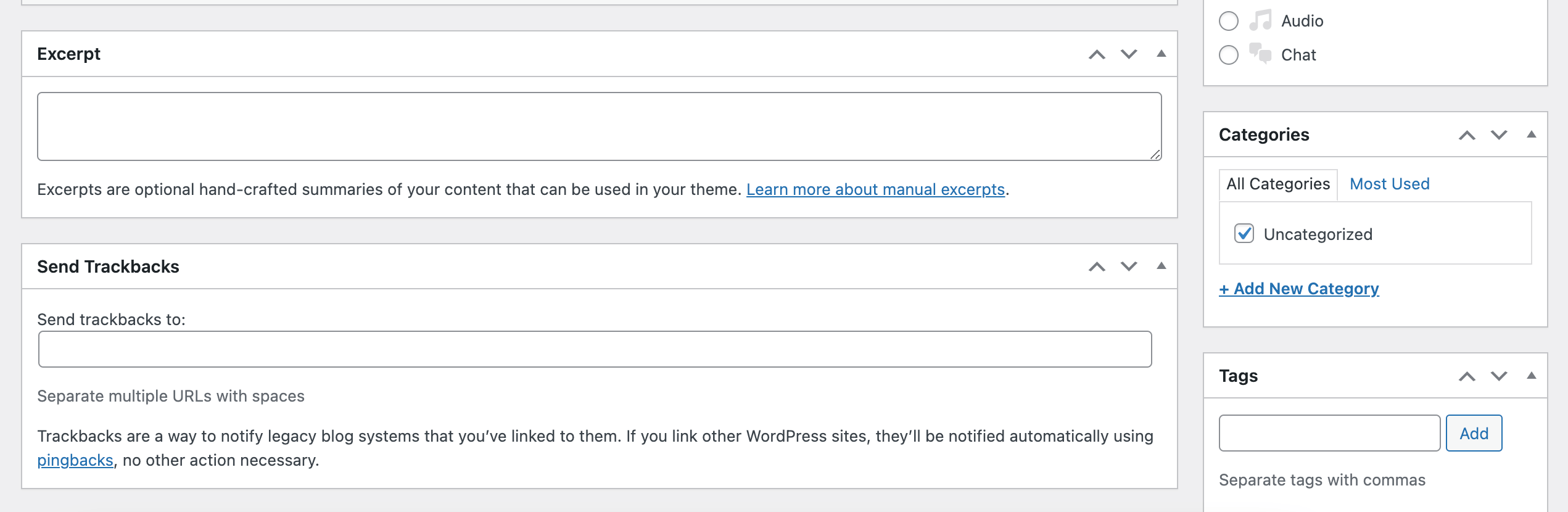
Metaboxes are small functional blocks that are displayed on the post-edit screen.
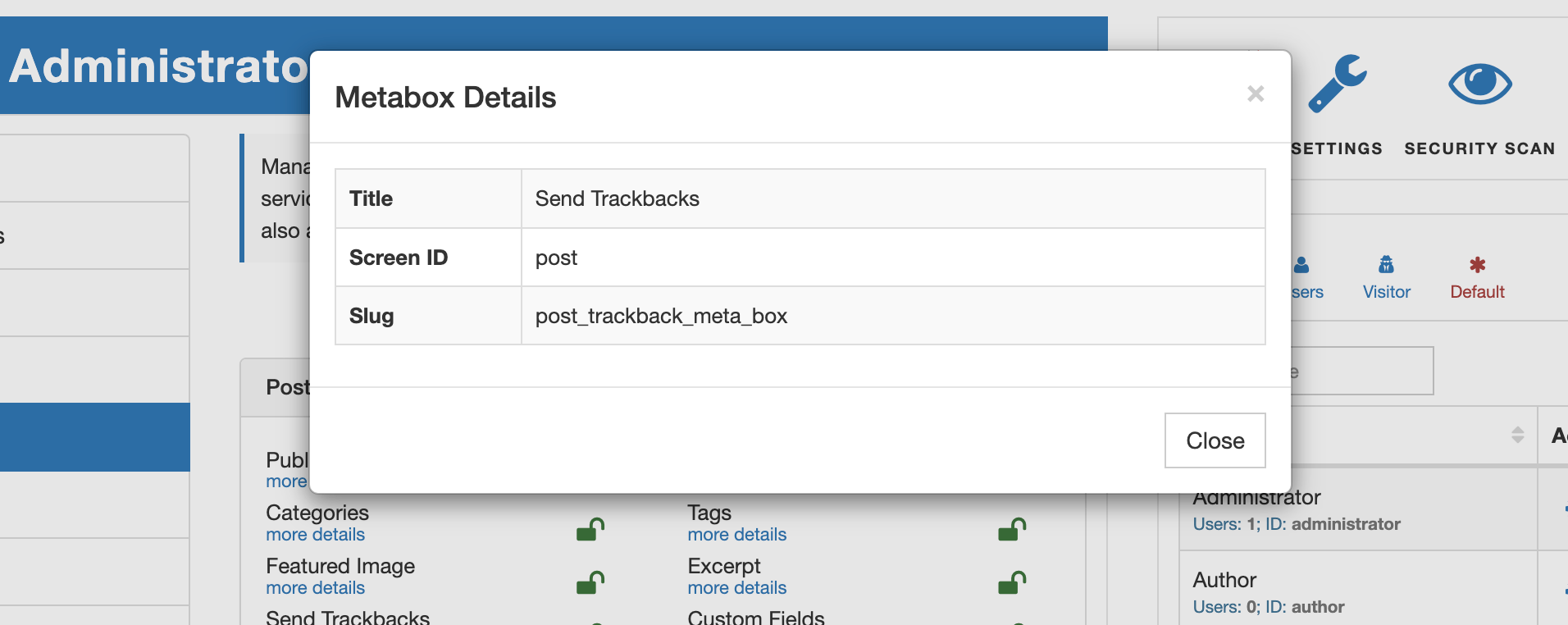
To ensure the uniqueness of the metabox slug, AAM uses its callback function name that is provided during registration (for more info, refer to the add_meta_box WordPress core function). With AAM UI you can easily get metabox slug on the "Metaboxes" tab.
Note!
AAM only removes metabox from the UI. It does not take into consideration the functionality behinds metabox. This means that the end-users may reverse engineer the way your website is set up and submit data that hidden metaboxes capture.
Below is an example of the statement that removes the "Excerpt" metabox on the backend side when a user comes from a specific IP range.
{
    "Statement": [
        {
            "Effect": "deny",
            "Resource": "Metabox:post_excerpt_meta_box",
            "Condition": {
                "Between": {
                    "(*ip)${USER.ip}": [
                        "(*ip)10.0.0.0",
                        "(*ip)10.255.255.255"
                    ]
                }
            }
        }
    ]
}
The same metabox can be reused across multiple post types. For example, the "Publish" metabox is used on all edit post screens. If you need to target only specific screen, use ScreenId property. WordPress core uses post type slug as screen id. The following statement removes "Author" metabox only on the edit page screen.
{
    "Statement": [
        {
            "Effect": "deny",
            "Resource": "Metabox:post_author_meta_box",
            "ScreenId": "page"
        }
    ]
}
The premium add-on also adds the ability to use the wildcard * denotation to target all metaboxes. For example in the statement below, we restrict access to all the metaboxes on all post-edit screens except the "Publish".
{
    "Statement": [
        {
            "Effect": "deny",
            "Resource": "Metabox:*"
        },
        {
            "Effect": "allow",
            "Resource": "Metabox:post_submit_meta_box"
        }
    ]
}
Precedence & Order of Evaluation
There are several ways to define a Metabox resource. Below, we explain them in detail, ordered from highest to lowest precedence — meaning that higher-precedence metabox access controls always override lower-precedence rules.
1. Metabox slug scoped to a specific screen (Highest precedence)
The first and highest-priority resource checked is a metabox slug combined with a specific screen ID. Any rule defined at this level overrides all other matching access controls.
For example, the following statement overrides any other policy affecting the same metabox:
{
    "Effect": "deny",
    "Resource": "Metabox:post_submit_meta_box",
    "ScreenId": "post"
}
2. Metabox slug without screen scope
The next level applies to a metabox globally, without restricting it to a specific screen. The rule affects the metabox everywhere unless a more specific screen-scoped rule exists.
In the example below, the Author metabox is denied on all screens except the Pages screen:
{
    "Statement": [
        {
            "Effect": "deny",
            "Resource": "Metabox:post_author_meta_box"
        },
        {
            "Effect": "allow",
            "Resource": "Metabox:post_author_meta_box",
            "ScreenId": "page"
        }
    ]
}
3. Wildcard metabox slug scoped to a specific screen
Next in precedence are wildcard matches applied to a specific screen ID.
The following policy removes all metaboxes ending with meta_box, except the Publish metabox, on the post edit screen:
{
    "Statement": [
        {
            "Effect": "deny",
            "Resource": "Metabox:*_meta_box",
            "ScreenId": "post"
        },
        {
            "Effect": "allow",
            "Resource": "Metabox:post_submit_meta_box",
            "ScreenId": "post"
        }
    ]
}
4. Wildcard metabox slug without screen scope
This level applies wildcard matching globally across all screens.
The policy below removes all metaboxes whose slugs start with post_:
{
    "Statement": [
        {
            "Effect": "deny",
            "Resource": "Metabox:post_*"
        }
    ]
}
5. All metaboxes for a specific screen
Targets every metabox on a single screen:
{
    "Statement": [
        {
            "Effect": "deny",
            "Resource": "Metabox:*",
            "ScreenId": "page"
        }
    ]
}
6. All metaboxes across all screens (explicit form)
Targets all metaboxes on every screen:
{
    "Statement": [
        {
            "Effect": "deny",
            "Resource": "Metabox:*",
            "ScreenId": "*"
        }
    ]
}
7. All metaboxes (shorthand alias)
This is a shorter equivalent of the previous definition:
{
    "Statement": [
        {
            "Effect": "deny",
            "Resource": "Metabox:*"
        }
    ]
}
 Virtual Assistant