
Make sure you have access to your current email address because we will send an email confirmation to it. If you don’t have access to the current email, you’ll need to contact us directly and provide proof of ownership.
Follow these steps to update the email associated with your license key:
- Visit the license page and input your license key. Alternatively, you can access the license page from your website backend under the “Add-Ons” tab on the AAM page.
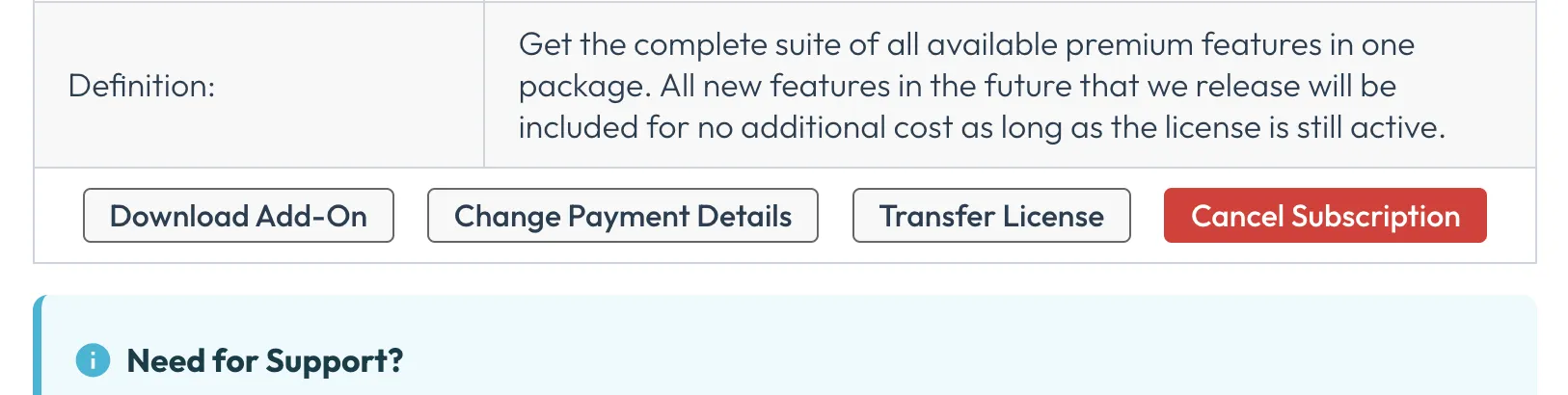
- If your subscription is active, locate the “Transfer License” button within the “License Details” section.
- Click on the “Transfer License” button and enter your new email address in the “New Owner’s Email” input field.
- Confirm the change by checking your email inbox and accepting the transfer link.